Business · Android
Inkform: Tattoo Consent Forms
Consent forms for tattoo, piercing and PMU studios. Pay once, works offline, client data stays on your device.
- Price
- Free to try · one-time Pro unlock · no ads · no subscription
- Languages
- English, Bahasa Indonesia, Español (client forms)
- Your data
- Stays on your device · no account
- Package
- com.inkform.
app
Overview
About Inkform
A consent station for the tablet or phone at your front desk. Clients read the form in English or Spanish, answer the health questions, initial each statement and sign with a finger or stylus. You unlock the device with your studio PIN, see every "yes" answer before you sign, add the procedure with ink and needle lot numbers and attach photos. Each record is sealed with SHA-256 fingerprints you can verify at any time, and exports as a PDF. Clients, inventory with expiry dates and an inspection log keep the rest of the studio's paperwork in one place. No account, no ads, no subscription.
- Client mode and a "Tap to start" front desk, with forms in English or Spanish
- A health alert for the artist, lot numbers from your inventory and photos
- Sealed records you can verify, PDFs, clients and an inspection log
Features
Client mode & front desk
Big, calm steps on a tablet or phone. A "Tap to start" screen for walk-ins clears half-filled forms after a few quiet minutes.
English & Spanish forms
Tattoo, piercing and PMU sample forms in both languages. The record and its PDF follow the client's language.
Health alert for the artist
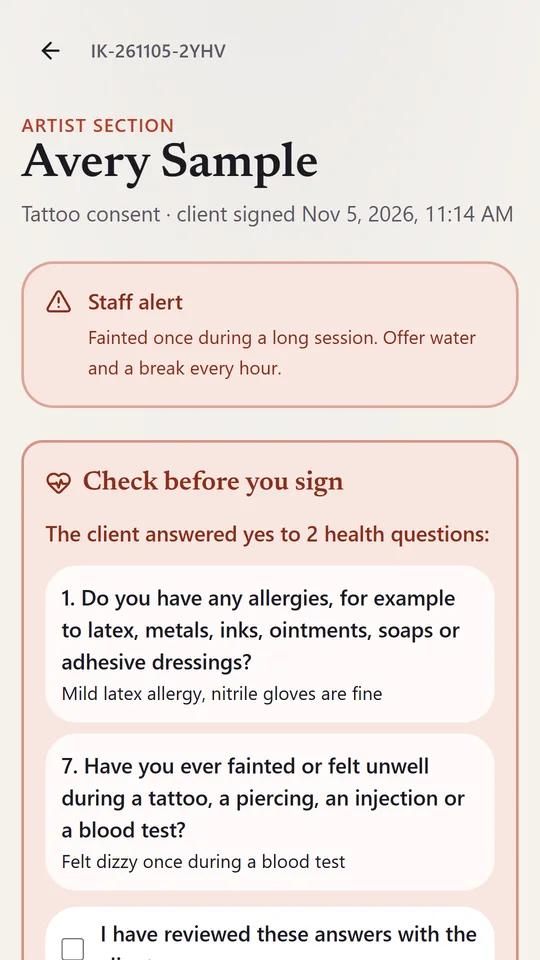
Every "yes" answer with its details, reviewed before the artist signs, plus staff alerts such as "patch test first".
Lot numbers & inventory
Inks, pigments, jewelry and needles with lot numbers and expiry dates, picked in one tap (Pro).
Sealed, verifiable records
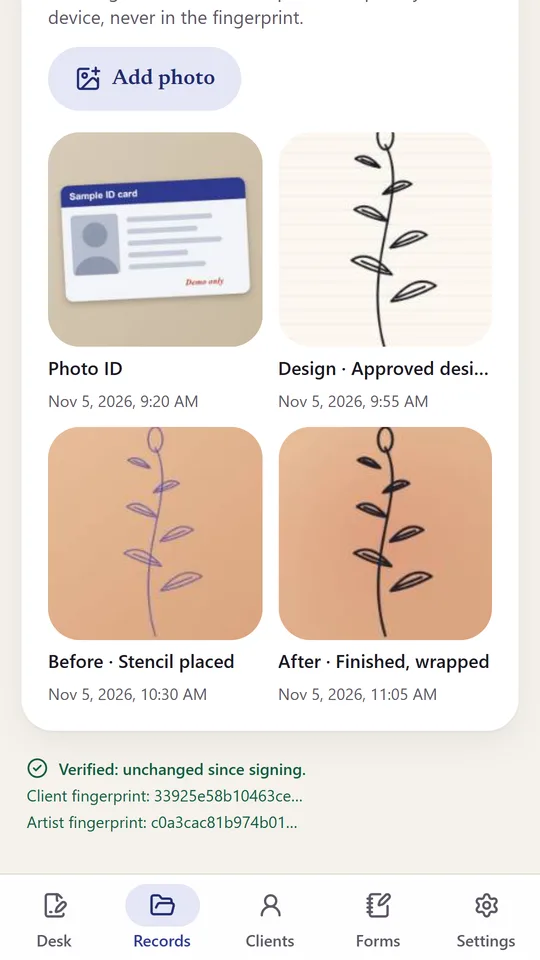
Records are never edited. Verify record checks the client and artist SHA-256 fingerprints. Export Letter or A4 PDFs.
Photos & aftercare
An ID photo on any record; design, before and after photos with Pro. Share the aftercare sheet as a PDF or text.
Clients & inspection log
Every visit per client with private notes, and a procedure log with ages and lot numbers for inspectors (Pro).
Private & offline
Client data, health answers and photos stay on the device, locked with your studio PIN. No account, no ads.
A quick look
3 screens from the app
Getting started
How it works
- Set up your studio, artists and a studio PIN, then hand over the device or leave it on the counter in front desk mode.
- The client picks English or Spanish, answers the health questions, initials each statement and signs.
- Unlock with your PIN, review the health alert, add the procedure, lot numbers and photos, and sign.
- Export the PDF, share the aftercare sheet and find the record later under Records or Clients.
Your data stays on your device
No account and no sign-up. Inkform keeps your entries only on your phone. Your clients' forms, health answers and signatures stay on your device. We never receive them. Optional purchases are handled by Google Play.
Not legal advice. Age limits and record-keeping rules differ by location.
Keep exploring
More from Kawan Labs
-

Envelope Challenge
Finance
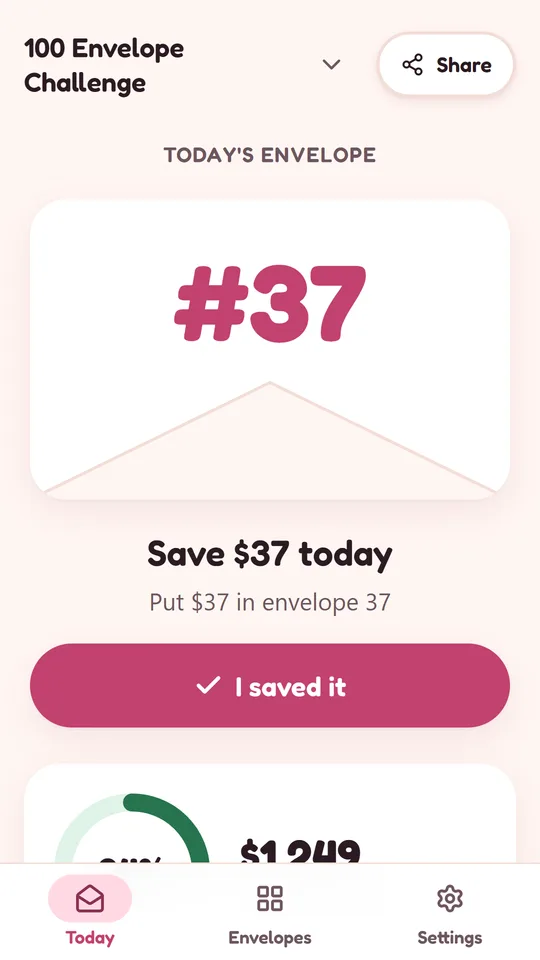
Draw a numbered envelope each day, save that amount and watch your progress grow.
Coming soonDetails -

No Spend
Finance
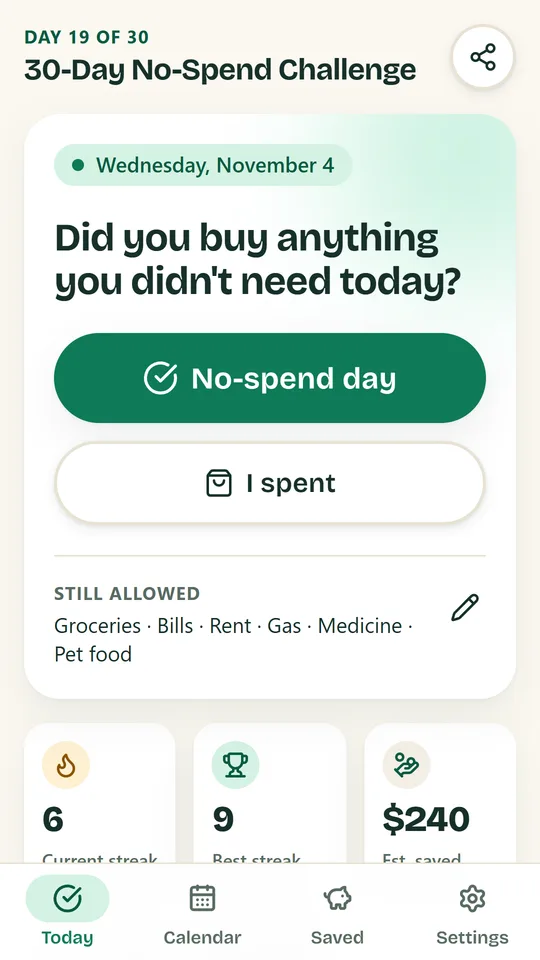
One question a day: did you skip the spending you didn’t need?
Coming soonDetails -
Cash Binder
Finance
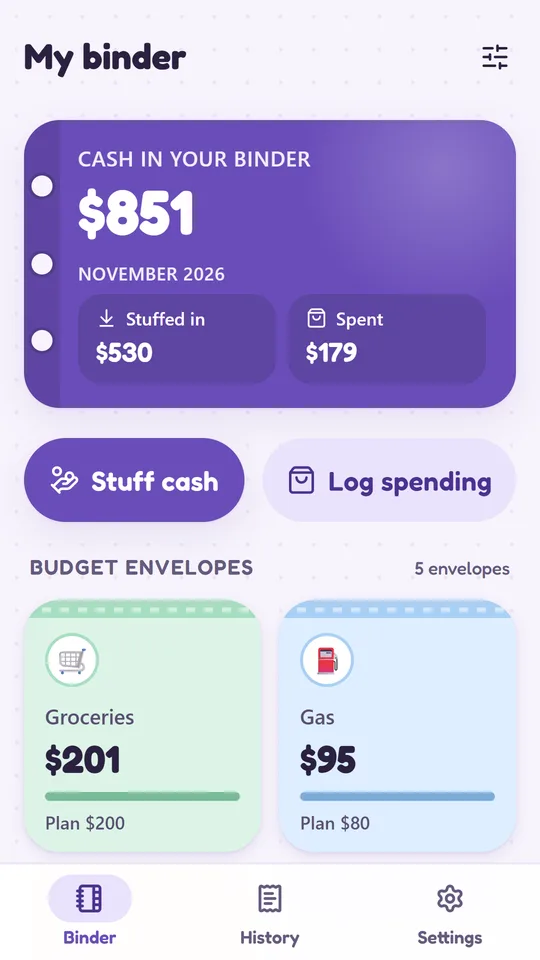
A digital binder for your cash envelopes and sinking funds.
Coming soonDetails