Finance · Android
No Spend Challenge Tracker
One question a day: did you skip the spending you didn’t need?
- Price
- Free with ads · optional one-time Remove ads
- Languages
- English, Bahasa Indonesia
- Your data
- Stays on your device · no account
- Package
- com.nospendchallenge.
app
Overview
About No Spend
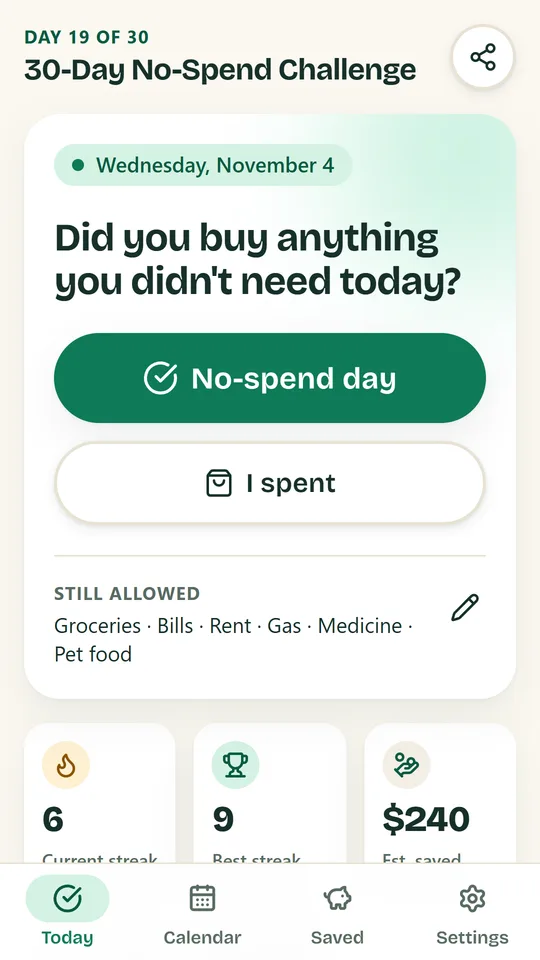
Build no-spend streaks with weekend, 7-day, 30-day, No-Buy Month or custom challenges. Check in each day, see your month on a calendar and watch the money you didn’t spend add up.
- Weekend, 30-day and No-Buy Month challenges
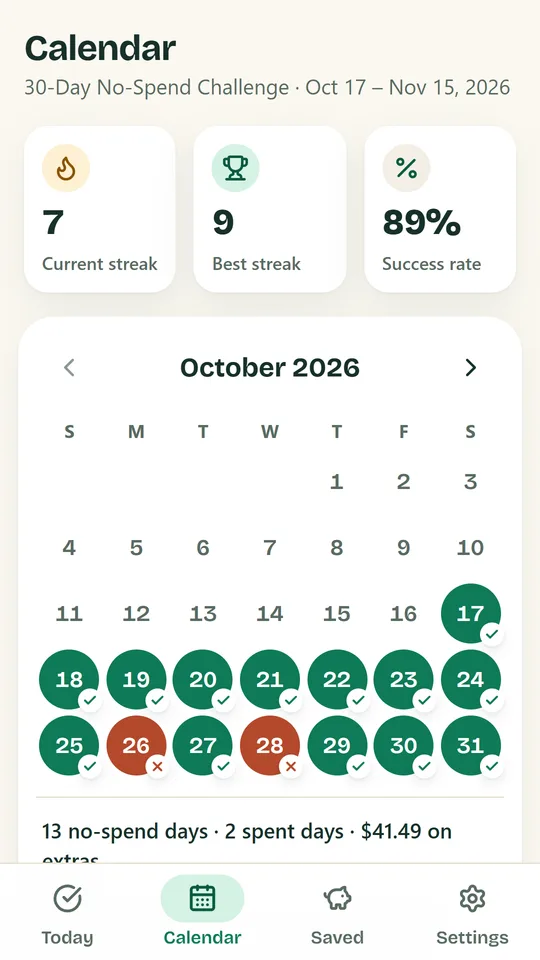
- Calendar with streaks and success rate
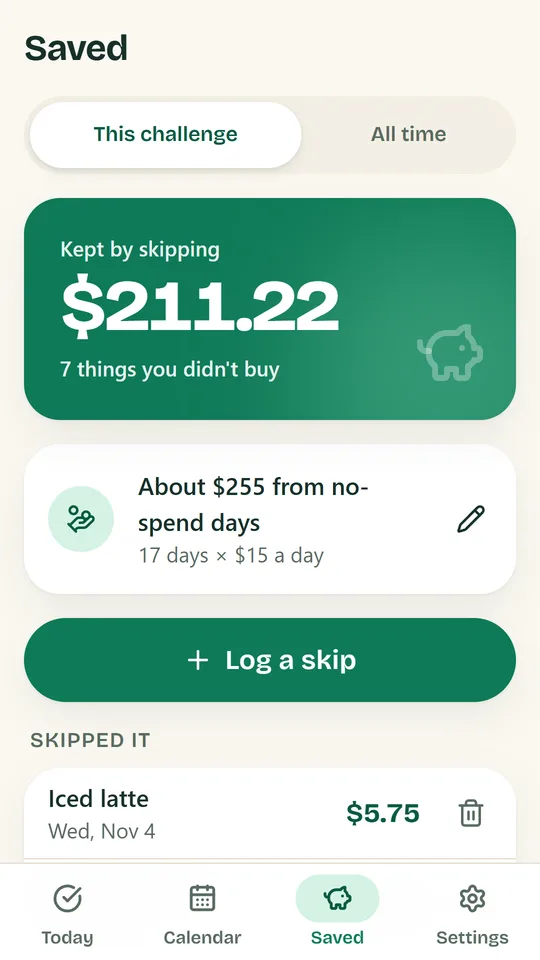
- Track money saved from skipped buys
Features
Daily check-in
One tap for a no-spend day, or log what you spent.
Streak calendar
Your month at a glance, with current and best streaks.
Skipped-it log
Items you decided not to buy add up to money saved.
Your own rules
Keep a list of what is still allowed during the challenge.
Milestones
Celebrate 3, 7, 30, 100 and 365 days.
Evening reminder
A gentle nudge to log your day.
A quick look
3 screens from the app
Getting started
How it works
- Pick a challenge and the spending you still allow (groceries, bills, rent).
- Check in each evening: no-spend day or spent.
- Log what you skipped buying and its price.
- Hit milestones and share your streak.
Your data stays on your device
No account, no sign-up and no bank connection. No Spend keeps your entries only on your phone. The app shows ads, and a one-time purchase removes them.
Keep exploring
More from Kawan Labs
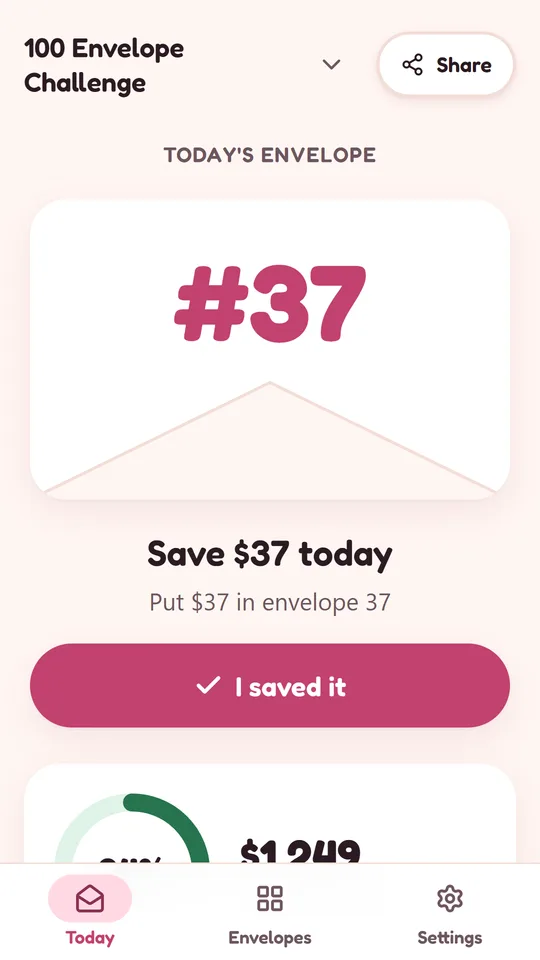
-

Envelope Challenge
Finance
Draw a numbered envelope each day, save that amount and watch your progress grow.
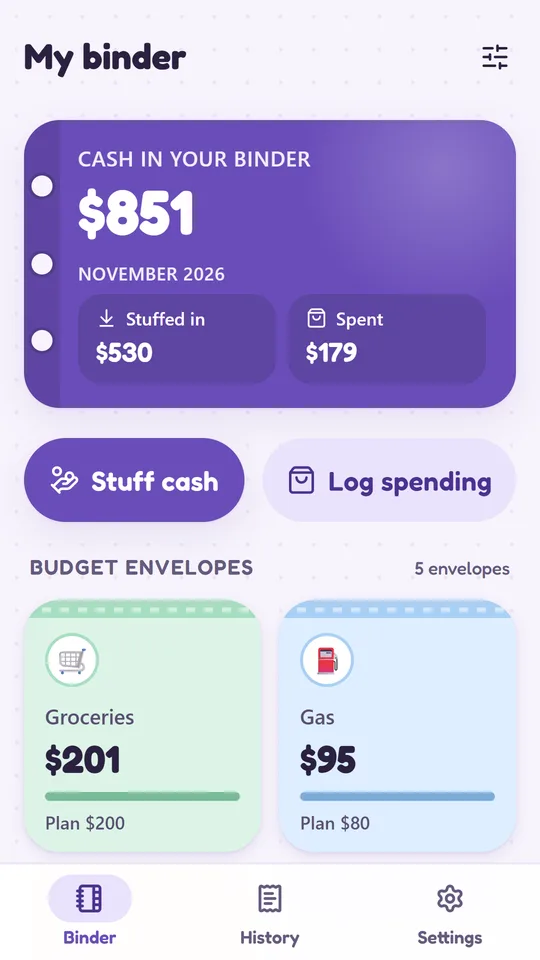
Coming soonDetails -

Cash Binder
Finance
A digital binder for your cash envelopes and sinking funds.
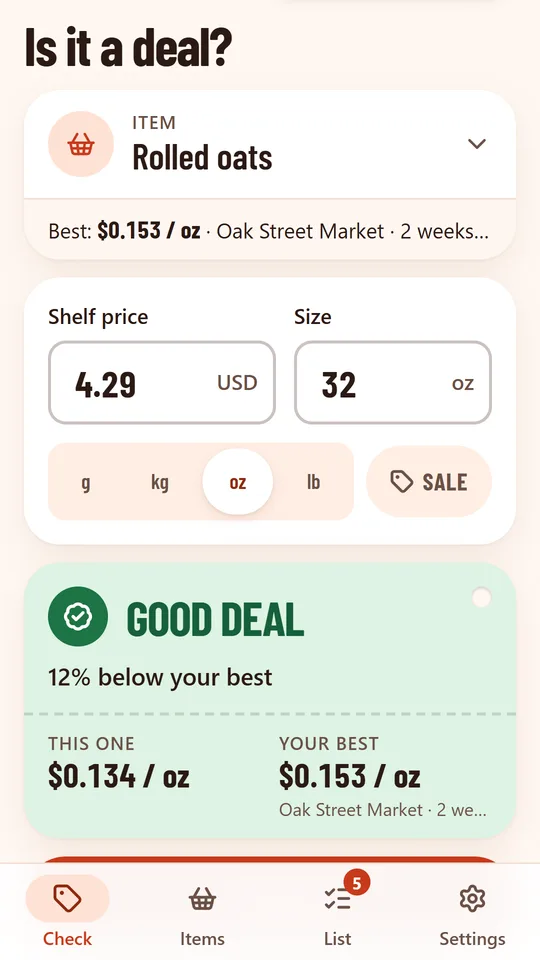
Coming soonDetails -

Price Book
Shopping
Know which store has the best price — right at the shelf.
Coming soonDetails